To set the Settling Time and Integration Time on a Keysight instrument, the exact path depends on whether you are using the modern multi-touch X-Series Signal Analyzers (N90A/B/C using the N9069C Noise Figure Application) or the classic Dedicated Noise Figure Analyzers (N8973A/N8974A/N8975A NFAs).
Method 1: On Modern Keysight X-Series Analyzers (PXA, MXA, EXA)
If you are running the Noise Figure Mode/Application, these parameters are located within the Measurement Setup menu.
Via the Front Panel / Touchscreen:
-
Press the
Meas Setuphardware key (or tap it on the screen). -
Look for the
Settling TimeorAvg/Integrate Timesoftkeys on the right side of the display.-
Note: Depending on the firmware version, Integration Time might be labeled directly as
Avg Timeor found under anAveragingsubmenu.
-
-
Tap the desired parameter, input the value using the numeric keypad, and select the unit (
msors).
Via SCPI Commands (Remote Control/Python):
If you are automating the measurement using PyVISA, use the following standard SCPI commands:
Python
# Set the Noise Source Settling Time to 10 milliseconds
session.write(":SENSe:NFIgure:SETTling 10ms")

# Set the Integration (Averaging) Time to 100 milliseconds
session.write(":SENSe:NFIgure:AVERage:TIME 100ms")

# Enable averaging to ensure the integration time is enforced
session.write(":SENSe:NFIgure:AVERage:STATe ON")
Method 2: On Legacy Dedicated NFAs (N8973A / N8975A Series)
On the classic physical-button NFAs, the parameters are categorized slightly differently under the system's averaging metrics.
Via the Front Panel:
-
Press the
Meas Setuphardkey. -
To set Integration Time: Press the
Averagingsoftkey. Ensure Averaging is toggled to ON, then selectAvg Timeto enter your duration (e.g.,100+mskey). -
To set Settling Time: Press the
Moresoftkey within the setup menu, selectSystem SettingsorCalinate/Setup, and locateSettling Time.
Via SCPI Commands:
The command structure for the older legacy units differs slightly from modern X-Series applications:
Python
# Set the settling time for legacy NFAs
session.write(":CORRection:SETTling 10ms")

# Set the integration/averaging time
session.write(":AVERage:TIME 100ms")
session.write(":AVERage:STATe ON")
Quick Verification Rule of Thumb
After changing these settings, look at the bottom or top status bar of your analyzer's screen. If you have set an integration time of 100 ms and a settling time of 10 ms, your total time per point will be at least 220 ms (since it cycles through Hot and Cold states). Ensure your total expected sweep time matches your testing throughput constraints.
Are you scripting this sweep inside a larger automated test framework, or configuring it manually for a specific calibration run?
出典:Google Gemini (Gemini は AI であり、間違えることがあります。)
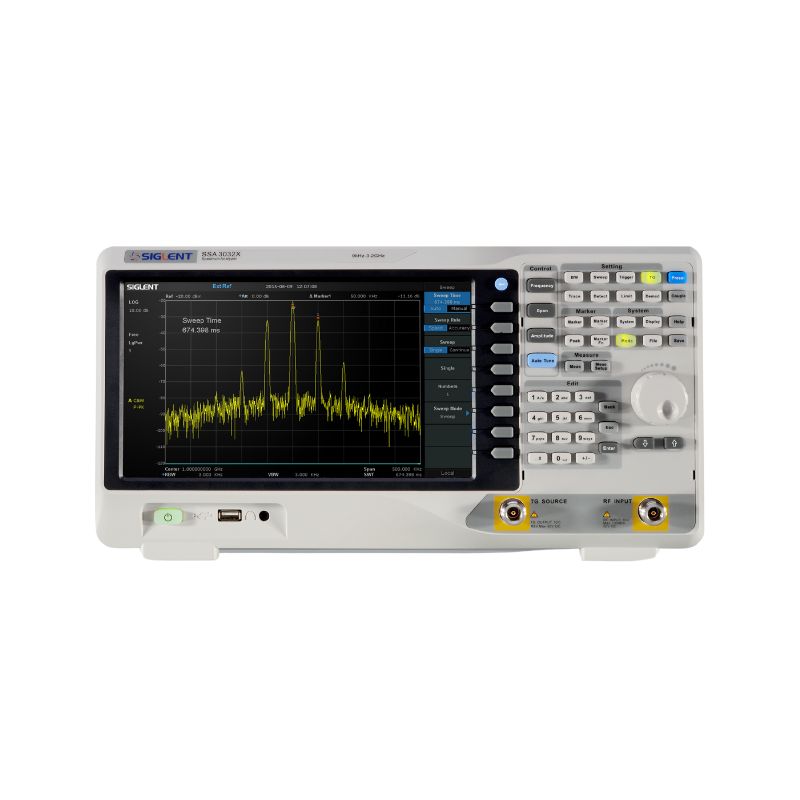
PR:SIGLENT SSA5000A のノイズフィギュア測定 400万円台で実現可能
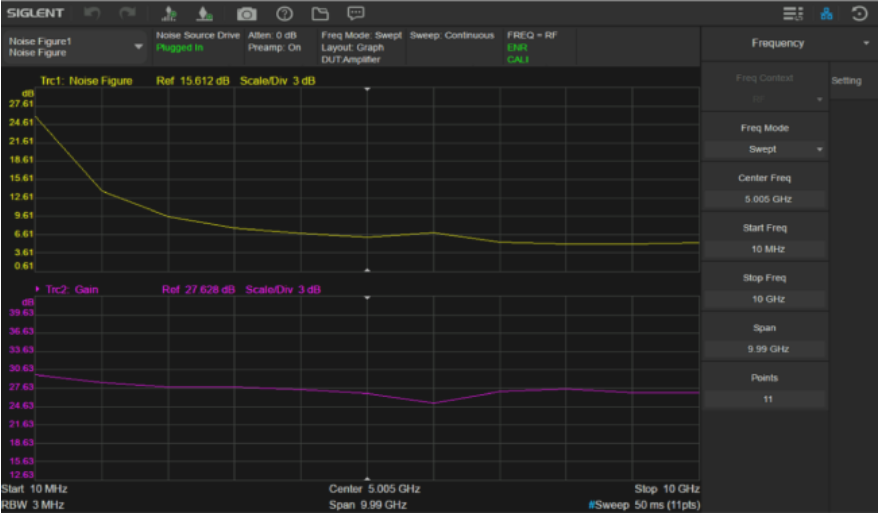 |
SIGLENT SSA5000A のノイズフィギュア測定機能は、エンジニアに高精度でノイズフィギュアを迅速かつ効果的に測定できるシンプルなツールを提供します。
|
PR:
-1000x707.png) |
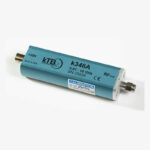
kTB社製ノイズソースk346シリーズの新規購入 または、 Noisecom NC346シリーズ NC346A/346B 、HP/Agilent/Keysight 346A/346B等のノイズソースを お持ちの場合使用可能です。 |

PR:
|
|
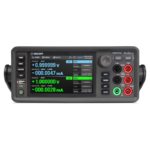
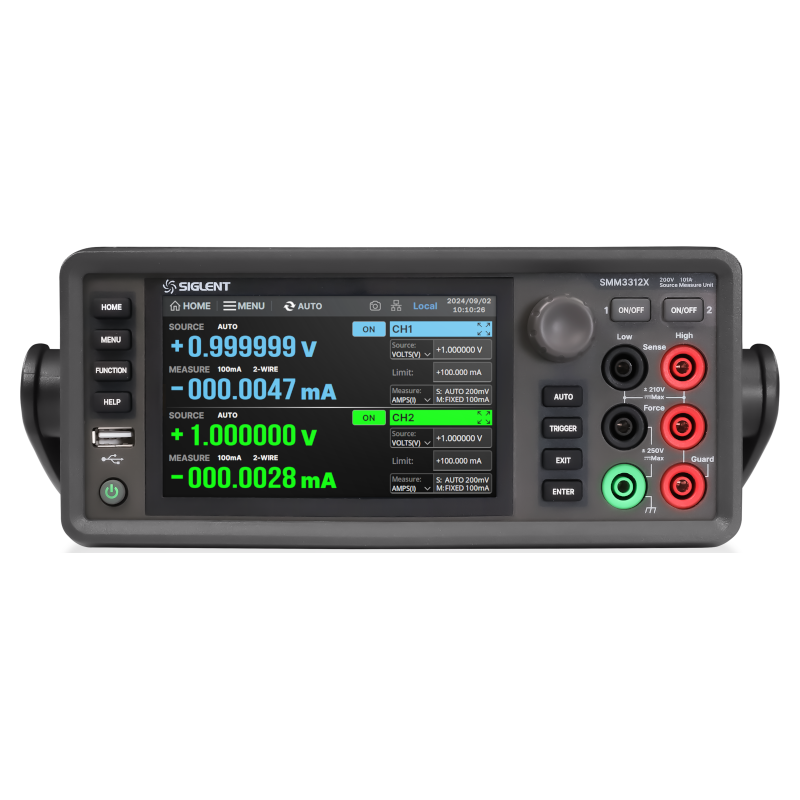
SMM3000Xシリーズ 高精度ソースメジャーユニット・表示桁数:6½桁(2,100,000カウント) ・SMM3311X(1ch) / SMM3312X(2ch) ・価格:90万円~ |
|
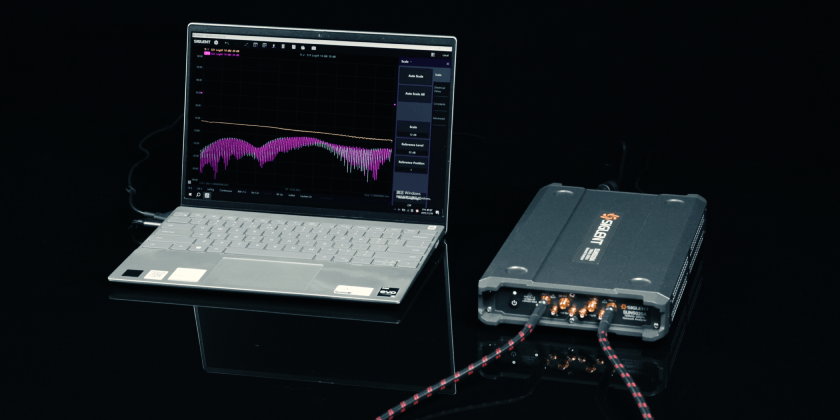
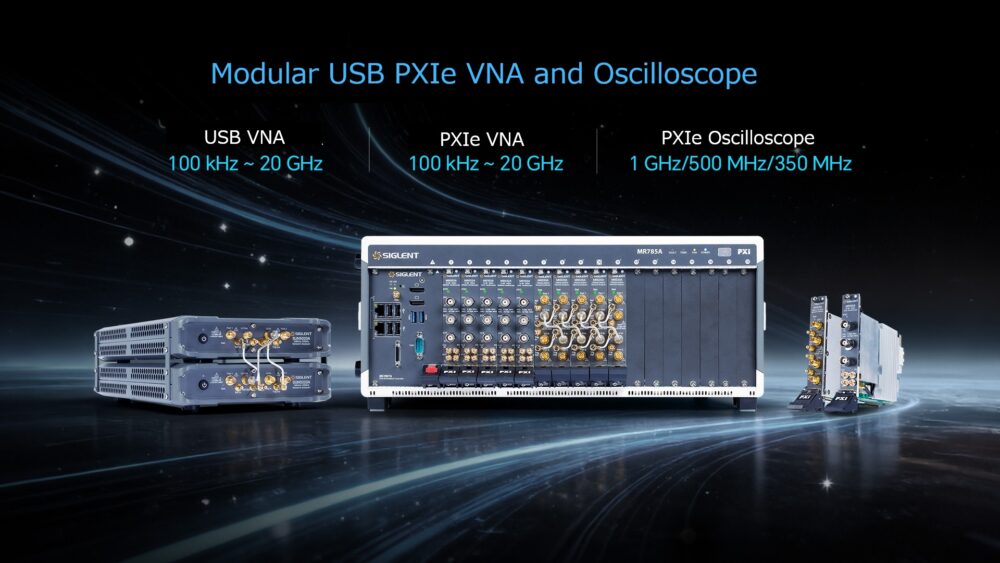
・USB VNA |
・Coming soon |
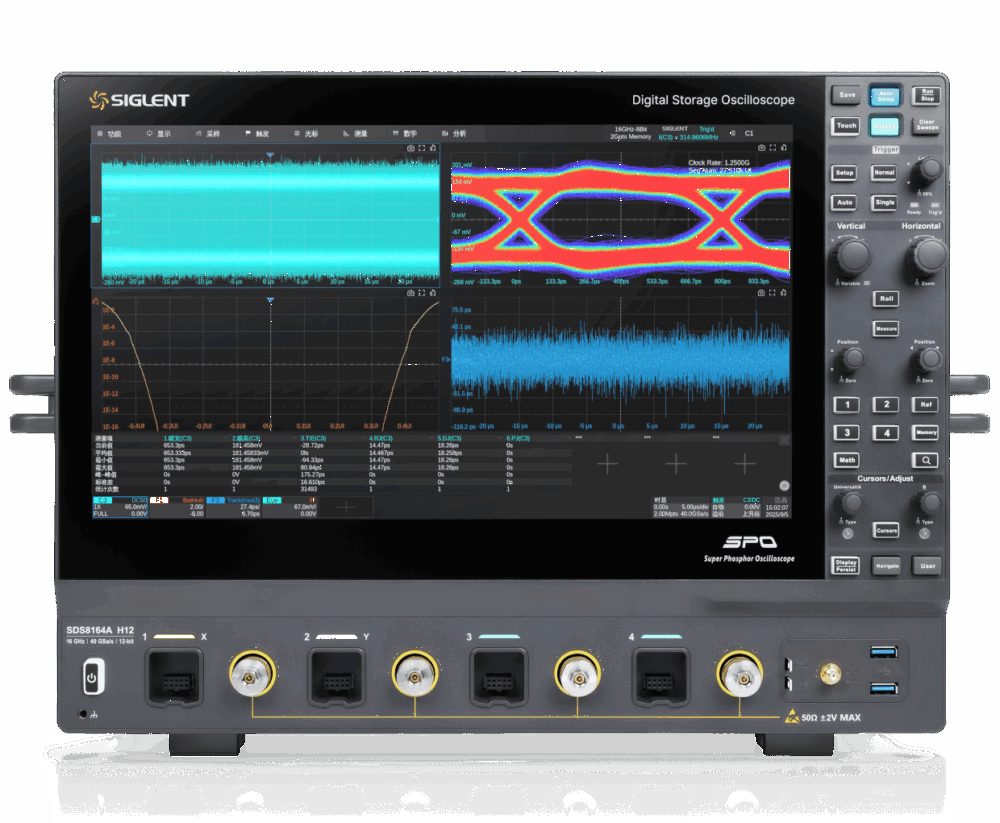 |
SDS8000Aシリーズ オシロスコープ 特長と利点 ・Coming soon |
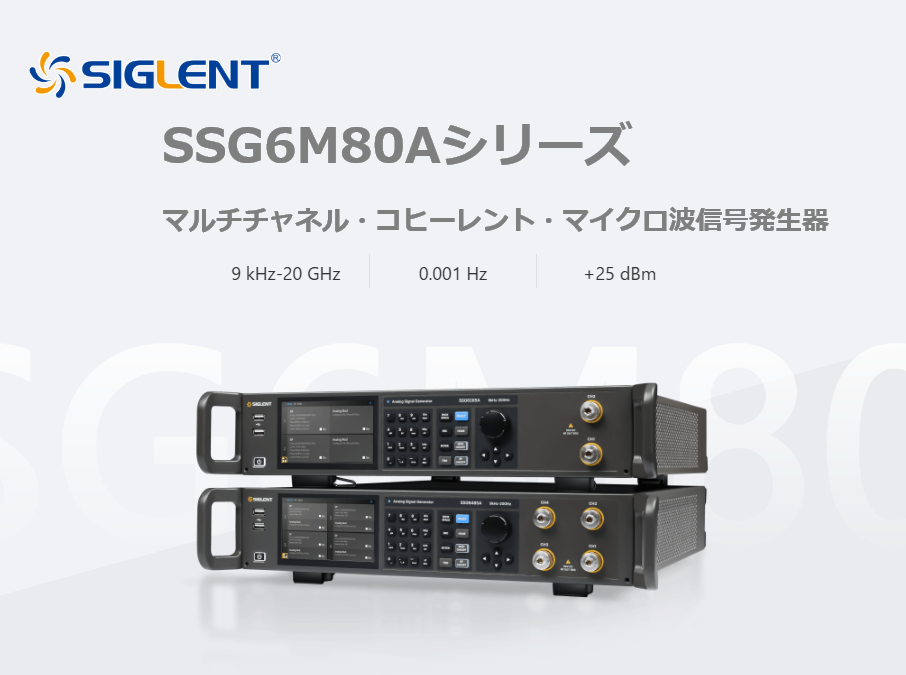 |
SSG6M80Aシリーズ ・Coming soon
|
 |
 |
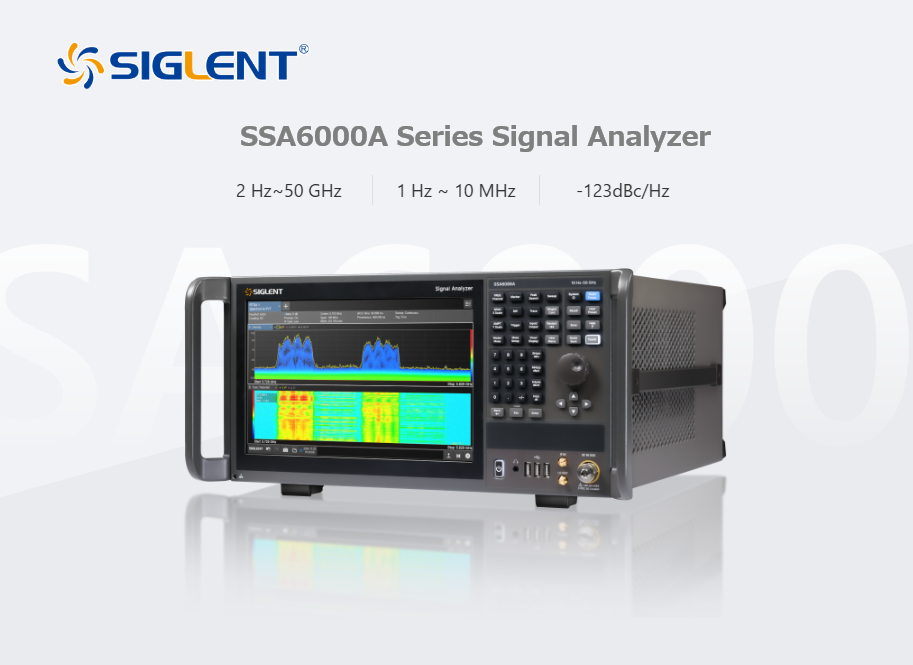 |
SSA6000A Series Signal Analyzer Main Features ・Coming soon
|
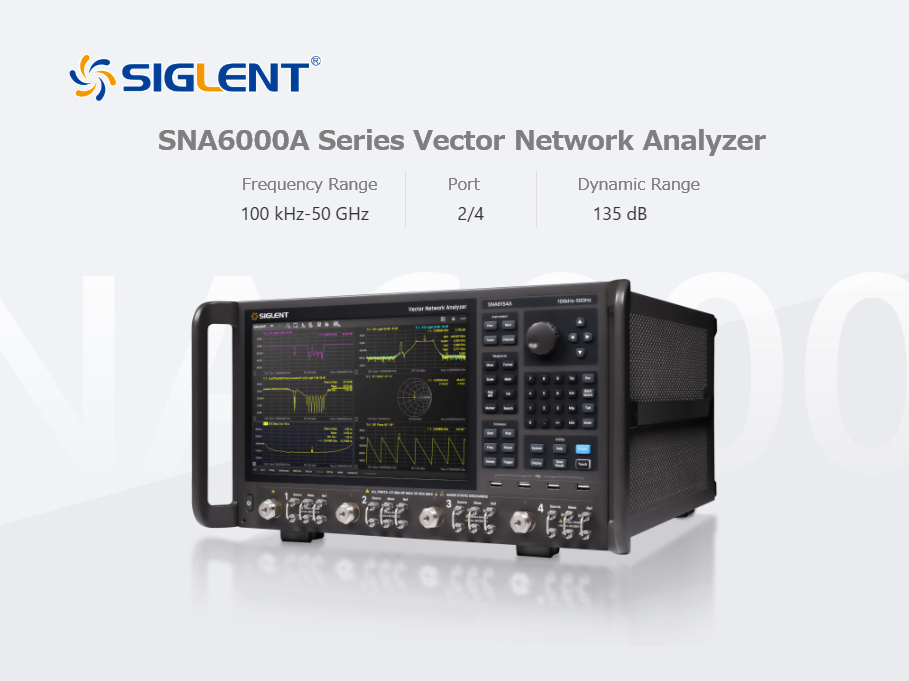 |
SNA6000A Series Vector Network Analyzer Key Features
|
お礼、
T&Mコーポレーションは設立5年ですが、おかげさまで業績を着実に伸ばしており、
オフィスを港区芝(最寄り駅浜松町)に移転し、スペースも拡大いたしました。
電子計測器業界の「ゲームチェンジャー」として、高性能/高信頼/低価格/短納期を武器に
T&Mコーポレーションはお客様のご予算を最大限生かす製品群をご提案させていただいております。
 T&M
即納ストア
T&M
即納ストア